How to Speed Up a Slow Laptop: Easy Fixes That Work Fast
Learn easy ways to speed up a slow laptop. Get expert tips, upgrade advice, and laptop support from MAXELL COMPUTER Putalisadak.
By Content Writer | Content Writer
Published

Table of contents(17)
A slow laptop can be frustrating, especially when you need it for work, study, gaming, or business. Many users in Nepal experience laptops becoming slower over time due to heavy software, outdated hardware, overheating, or lack of maintenance. The good news is that you do not always need to buy a new device immediately. There are several effective ways to improve laptop performance quickly.
In this guide, we will explain how to speed up a slow laptop using practical and beginner-friendly methods. Whether you are using a budget laptop for college, a gaming laptop, or a business notebook, these tips can help improve speed and responsiveness.
If you need expert help, hardware upgrades, or laptop recommendations, MAXELL COMPUTER Putalisadak is a trusted laptop shop in Kathmandu where customers can get professional guidance for laptops, accessories, repairs, and upgrades.
Why Do Laptops Become Slow?
Before fixing the issue, it helps to understand why laptops slow down over time.
Common reasons include:
- Too many startup programs
- Low storage space
- Traditional HDD instead of SSD
- Malware or unwanted software
- Overheating problems
- Outdated Windows or drivers
- Too many browser tabs and background apps
- Insufficient RAM
In Nepal, many users continue using laptops for several years without upgrades or servicing. Even a good laptop can feel slow if basic maintenance is ignored.
How to Speed Up a Slow Laptop Quickly
1. Restart Your Laptop Regularly
Many people keep their laptops running for days or weeks. Restarting clears temporary memory usage and closes unnecessary background processes.
A simple restart can:
- Improve responsiveness
- Clear RAM usage
- Fix temporary software glitches
- Help updates install properly
This is one of the fastest and easiest fixes for slow performance.
2. Disable Unnecessary Startup Programs
Some applications automatically start when Windows boots. Too many startup programs increase loading time and reduce system performance.
How to disable startup apps:
- Press Ctrl + Shift + Esc
- Open Task Manager
- Click the Startup tab
- Disable apps you do not need
Common unnecessary startup apps:
- Chat applications
- Auto-launch game launchers
- Background sync tools
- Unused software utilities
This can significantly reduce boot time.
Upgrade to an SSD for Major Speed Improvement
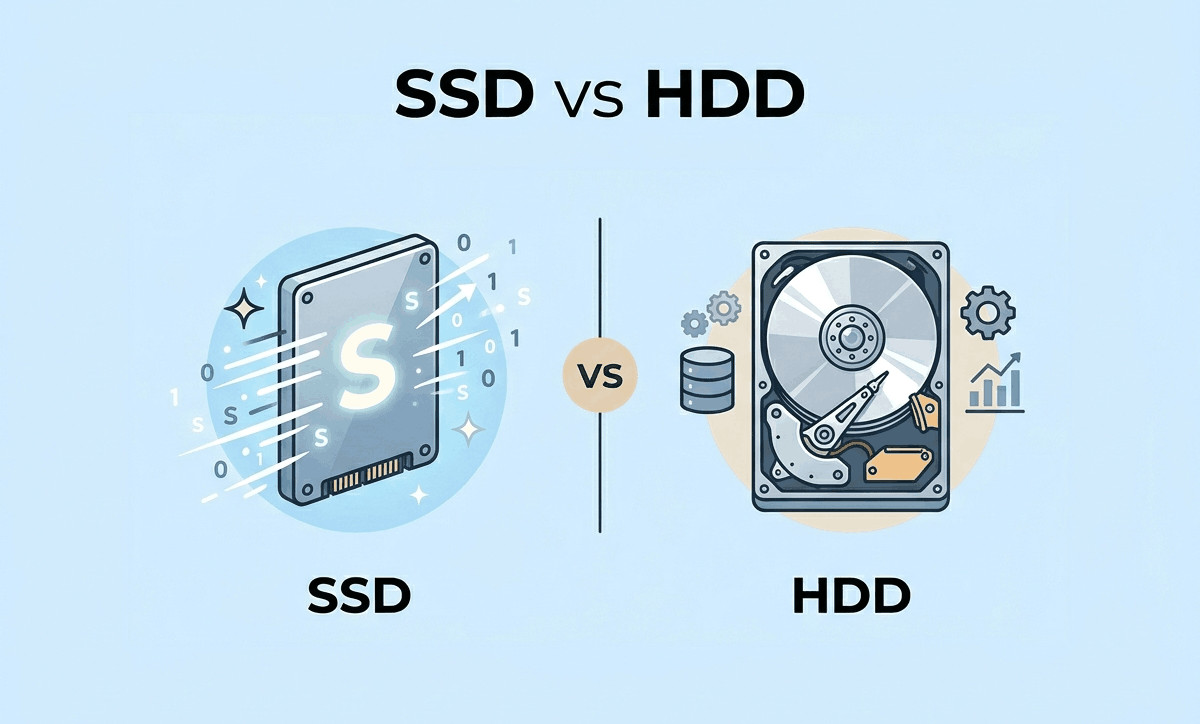
One of the best answers to how to speed up a slow laptop is upgrading from a traditional hard drive (HDD) to a solid-state drive (SSD).
Benefits of SSD upgrades:
| Feature | HDD | SSD |
|---|---|---|
| Boot Speed | Slow | Very Fast |
| File Transfer | Moderate | Fast |
| Noise | Mechanical noise | Silent |
| Durability | Lower | Higher |
| Overall Performance | Average | Excellent |
An SSD upgrade can make an older laptop feel much newer.
At MAXELL COMPUTER Putalisadak, customers can get guidance on compatible SSD options, installation support, and laptop upgrade recommendations depending on their usage and budget.
Prices may vary depending on specifications, availability, and market conditions.
Free Up Storage Space
Low storage can slow down Windows performance.
Ways to free up space:
- Delete unnecessary files
- Remove unused software
- Empty the recycle bin
- Clear downloads folder
- Use Windows Disk Cleanup
Recommended storage habits:
- Keep at least 15–20% free space
- Store large videos on external drives
- Remove duplicate files regularly
Users searching for laptop price in Nepal often focus only on processor and RAM, but storage type and free space also affect speed significantly.
Check for Malware and Viruses
Malware can quietly consume system resources and slow down your laptop.
What you should do:
- Run Windows Security scan
- Update antivirus software
- Avoid downloading unknown software
- Remove suspicious browser extensions
Many slow laptop issues are caused by hidden unwanted programs rather than hardware failure.
Add More RAM for Better Multitasking
If your laptop becomes slow while:
- Opening many browser tabs
- Using Photoshop or editing software
- Running Zoom meetings
- Gaming
- Multitasking
Then a RAM upgrade may help.
General RAM recommendations:
| Usage Type | Recommended RAM |
|---|---|
| Basic office/student use | 8GB |
| Multitasking | 16GB |
| Gaming & creative work | 16GB–32GB |
A professional laptop shop in Kathmandu can help check whether your laptop supports additional RAM upgrades.
Keep Windows and Drivers Updated
Outdated software may reduce performance and create compatibility issues.
Update regularly:
- Windows updates
- Graphics drivers
- Wi-Fi drivers
- BIOS updates (if recommended)
Updated systems usually run smoother and more securely.
Reduce Browser Load
Modern browsers consume large amounts of RAM.
Tips to improve browser performance:
- Close unused tabs
- Remove unnecessary extensions
- Use lightweight browsers if needed
- Clear browser cache regularly
Google Chrome, especially with many tabs open, can slow down older laptops.
Clean Dust and Improve Cooling
Overheating is a common issue in Nepal, especially during warmer months or in dusty environments.
When laptops overheat:
- Performance drops
- Fans become loud
- Systems freeze or lag
- Battery life decreases
Basic maintenance tips:
- Clean air vents
- Use laptops on hard surfaces
- Avoid blocking cooling vents
- Consider thermal servicing if temperatures are high
Professional laptop servicing can improve both speed and hardware lifespan.
Best Upgrade Options for Different Users
For Students
Students in Kathmandu often need affordable laptops for:
- Online classes
- Microsoft Office
- Web browsing
- Assignments
Recommended upgrades:
- SSD installation
- 8GB RAM upgrade
- Windows optimization
For Office Users
Business users need reliable performance for multitasking.
Recommended solutions:
- Faster SSD storage
- RAM upgrades
- Cleanup of unnecessary software
- Battery replacement if needed
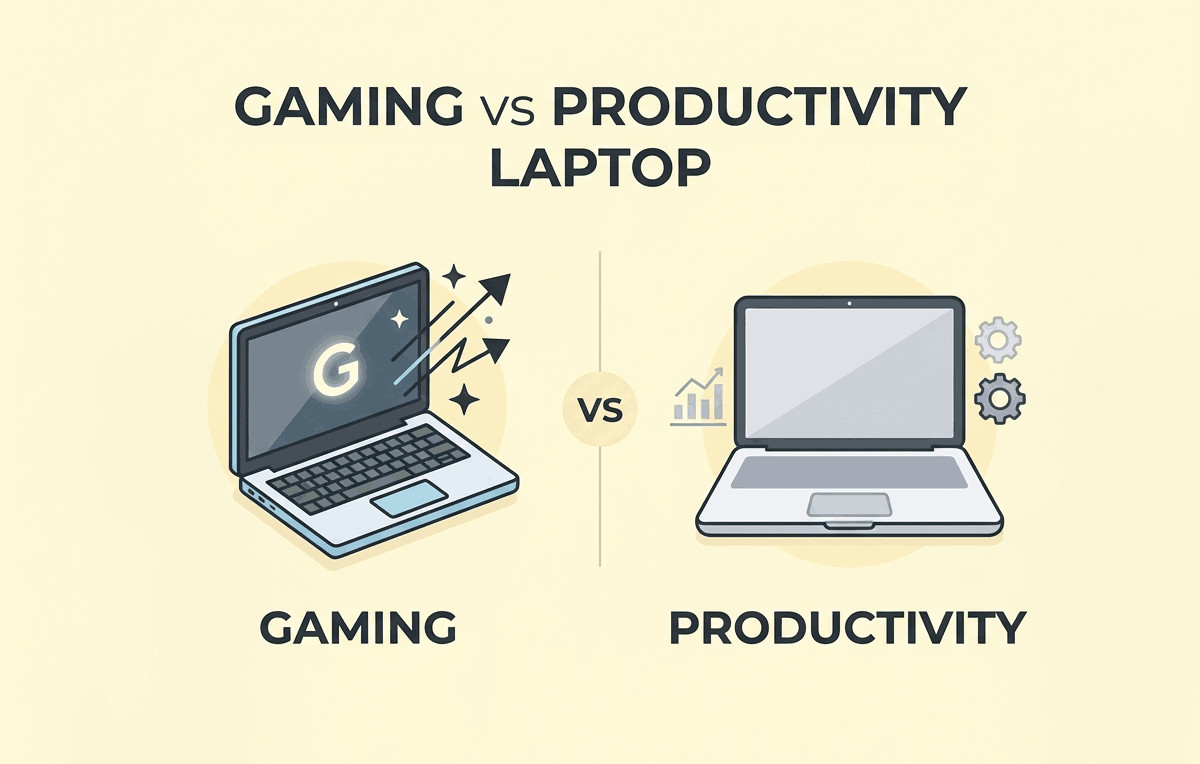
For Gamers and Creators
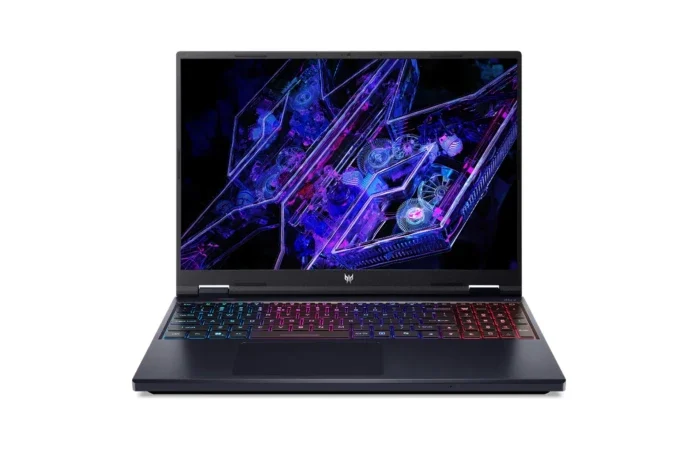
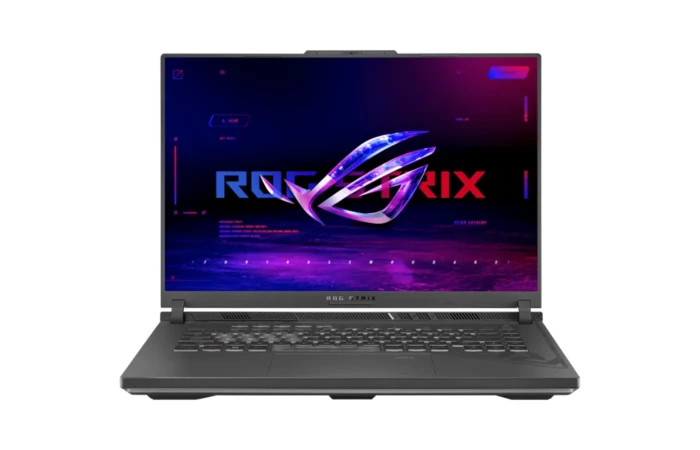
Gaming laptops and editing laptops require stronger hardware.
Recommended improvements:
- Additional RAM
- High-speed SSD
- Thermal servicing
- GPU driver optimization
A trusted laptop shop in Putalisadak can help recommend suitable upgrade paths depending on the laptop model.
Laptop Buying Tips for Users in Nepal
Sometimes upgrading is enough. Other times, buying a new laptop may be more cost-effective.
Consider replacing your laptop if:
- It is extremely old
- Hardware upgrades are limited
- Repair costs are too high
- Performance remains poor after upgrades
Before buying a new laptop:
- Compare processor generations
- Check SSD availability
- Choose enough RAM
- Consider future upgrade options
- Buy from a reliable laptop shop in Kathmandu
Laptop price in Nepal varies depending on:
- Brand
- Processor
- Graphics card
- RAM and storage
- Market demand
- Import availability
Why Customers Visit MAXELL COMPUTER Putalisadak
Choosing the right laptop store matters. Buyers want trusted recommendations, genuine products, and proper after-sales support.
MAXELL COMPUTER Putalisadak is known among customers looking for:
- Laptop buying guidance
- Laptop upgrades
- SSD and RAM upgrades
- Accessories and peripherals
- Laptop repair and servicing
- Gaming laptops
- Student laptops
- Business laptops
As a well-known laptop shop in Putalisadak, the store helps customers choose devices based on real usage needs rather than unnecessary specifications.
Benefits of visiting a local laptop shop in Kathmandu:
- Hands-on product comparison
- Faster support
- Easier servicing
- Upgrade consultation
- Better understanding of local market availability
For many buyers in Nepal, local expert support is extremely valuable when making laptop decisions.
Simple Habits to Keep Your Laptop Fast
Here are some long-term habits that help maintain good performance:
- Restart weekly
- Keep storage organized
- Install updates regularly
- Avoid suspicious downloads
- Use antivirus protection
- Clean dust periodically
- Upgrade hardware when needed
Good maintenance can extend laptop lifespan significantly.
Why Local Support Matters in Nepal
Buying laptops online without guidance can sometimes lead to compatibility issues or poor after-sales support.
A reliable laptop shop in Kathmandu can help with:
- Product recommendations
- Genuine accessories
- Upgrade compatibility
- Repair support
- Warranty guidance
- Practical performance advice
This is especially important for students, freelancers, office users, and gamers who rely heavily on their laptops every day.
Frequently Asked Questions (FAQs)
1. What is the fastest way to speed up a slow laptop?
Upgrading to an SSD and disabling unnecessary startup programs are usually the fastest and most effective solutions.
2. Does adding RAM make laptops faster?
Yes, especially for multitasking, gaming, editing, and heavy browser usage.
3. How often should I service my laptop?
Basic cleaning and servicing every 6–12 months is generally recommended depending on usage and environment.
4. Is SSD better than HDD?
Yes. SSDs are significantly faster, quieter, and more reliable for daily performance.
5. Where can I upgrade my laptop in Kathmandu?
You can visit MAXELL COMPUTER Putalisadak for laptop upgrades, buying advice, accessories, and repair support.
Visit MAXELL COMPUTER Putalisadak Today
If your laptop feels slow, do not ignore the problem. Small upgrades and proper maintenance can improve speed, productivity, and overall user experience.
Whether you need:
- A faster SSD
- More RAM
- Laptop servicing
- Buying advice
- Accessories
- A new laptop
MAXELL COMPUTER Putalisadak can help you choose practical solutions based on your budget and requirements.
As a trusted laptop shop in Kathmandu, the goal is to help customers find reliable technology solutions for work, study, gaming, and everyday use.
Conclusion
Understanding how to speed up a slow laptop can save time, improve productivity, and extend the life of your device. Simple steps like cleaning storage, upgrading to SSD, adding RAM, and reducing unnecessary background programs can make a huge difference.
For users in Nepal looking for expert advice, upgrades, repairs, or quality laptops, MAXELL COMPUTER Putalisadak remains a trusted destination. Whether you are a student, gamer, office worker, or business owner, getting the right guidance from a reliable laptop shop in Putalisadak can help you make smarter technology decisions.
Last updated July 17, 2026 · 7 min read