Old Laptop Running Slow? Boost Performance with These Tips
Speed up your old laptop with practical tips from MAXELL COMPUTER, a trusted laptop shop in Putalisadak, Kathmandu.
By Content Writer | Content Writer
Published
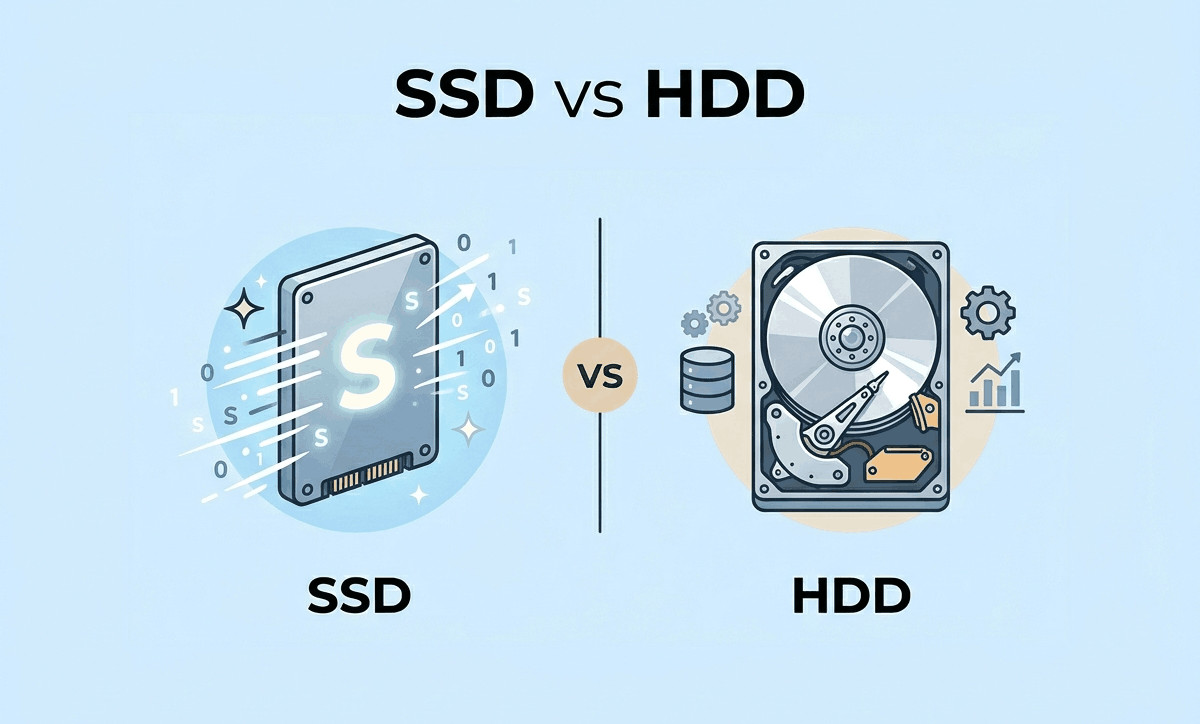
Table of contents(16)
If your old laptop running slow has started affecting your work, studies, gaming, or daily tasks, you are not alone. Many laptop users in Nepal experience performance issues after using their devices for a few years. Slow boot times, freezing applications, overheating, and lagging browsers are common problems that can make even simple tasks frustrating.
The good news is that you may not need to replace your laptop immediately. In many cases, a few smart upgrades and maintenance steps can significantly improve your laptop’s speed and overall performance.
At MAXELL COMPUTER Putalisadak, a trusted laptop shop in Kathmandu, customers often visit with laptops that feel outdated or unusable. After proper diagnosis, cleaning, upgrades, or software optimization, many of these laptops perform much better and continue serving reliably for years.
In this guide, we will explain practical ways to speed up your laptop, when upgrades make sense, and how laptop users in Kathmandu can make smarter repair or replacement decisions.
Why Old Laptops Become Slow Over Time
Laptops naturally slow down as they age. This happens because software becomes more demanding while hardware performance remains limited.
Some common reasons include:
- Too many startup programs
- Low RAM capacity
- Old hard drives (HDD)
- Dust buildup and overheating
- Outdated operating systems
- Malware or unnecessary software
- Full storage drives
- Aging batteries affecting performance
Many users assume their laptop is “dead” when the real issue may simply be outdated components or poor maintenance.
Best Ways to Speed Up an Old Laptop
1. Upgrade from HDD to SSD
One of the biggest performance improvements comes from replacing an old hard disk drive (HDD) with a solid-state drive (SSD).
An SSD can improve:
- Boot speed
- File transfer speed
- Application loading times
- Overall responsiveness
For many users in Kathmandu, an SSD upgrade is more affordable than buying a completely new laptop.
At a professional laptop shop in Putalisadak, technicians can help determine which SSD is compatible with your device.
HDD vs SSD Comparison
| Feature | HDD | SSD |
|---|---|---|
| Speed | Slower | Much faster |
| Noise | Mechanical noise | Silent |
| Durability | More fragile | More durable |
| Boot Time | Longer | Faster |
| Performance | Basic | Excellent |
Prices may vary depending on specifications, availability, and market conditions.
2. Increase Your Laptop RAM
If your laptop freezes when multiple programs are open, low RAM could be the problem.
Adding more RAM helps with:
- Multitasking
- Browser performance
- Office applications
- Graphic design tools
- Online classes and meetings
For students and office users in Nepal, upgrading from 4GB RAM to 8GB can often create a noticeable difference.
Before upgrading, it is important to check:
- Maximum supported RAM
- RAM type compatibility
- Available RAM slots
A reliable laptop shop in Kathmandu can inspect your system and recommend suitable upgrades.
Clean Unnecessary Programs and Files
Many laptops become slow simply because they are overloaded with unnecessary applications and temporary files.
Remove Unused Software
You should uninstall:
- Old games
- Unused antivirus programs
- Duplicate applications
- Trial software
Delete Temporary Files
Temporary system files can consume valuable storage space over time.
Useful tools include:
- Windows Disk Cleanup
- Storage Sense
- Trusted optimization software
Avoid downloading unknown “speed booster” apps from random websites, as they may contain malware.
Disable Heavy Startup Programs
Some applications automatically launch when your laptop starts.
Too many startup programs can increase boot time significantly.
Common Startup Apps That Slow Laptops
- Chat applications
- Cloud sync tools
- Music apps
- Auto-update services
- Browser launchers
You can disable unnecessary startup apps through:
- Task Manager in Windows
- Startup settings
- System preferences
This simple step often makes older laptops feel faster immediately.
Keep Your Laptop Cool
Overheating is a major reason why laptops slow down.
When temperatures rise too high, processors reduce speed automatically to prevent damage.
Signs of Overheating
- Loud fan noise
- Sudden lagging
- Laptop becoming very hot
- Random shutdowns
- Reduced battery life
Ways to Reduce Heat
- Clean internal dust
- Replace thermal paste
- Use cooling pads
- Keep air vents clear
- Avoid using laptops on beds or cushions
Professional cleaning services can help extend the life of your laptop significantly.
At MAXELL COMPUTER Putalisadak, many customers visit for laptop servicing and internal cleaning, especially before summer seasons when overheating becomes more common.
Update Your Operating System and Drivers
Outdated software can reduce stability and performance.
Important updates include:
- Windows updates
- Graphics drivers
- Wi-Fi drivers
- BIOS updates
- Security patches
However, very old laptops may struggle with the newest operating systems. In some cases, lightweight operating systems or optimized software setups may perform better.
A trusted laptop shop in Kathmandu can help determine the right balance between updates and performance.
Scan for Viruses and Malware
Malware can slow laptops dramatically by consuming background resources.
Common Signs of Malware
- Unexpected popups
- Slow browsers
- Unknown applications
- High CPU usage
- Frequent crashes
To stay safe:
- Use genuine antivirus software
- Avoid pirated applications
- Download files from trusted sources
- Keep security updates enabled
Cybersecurity awareness is increasingly important for laptop users in Nepal, especially students and remote workers.
Free Up Storage Space
A nearly full storage drive can slow your laptop considerably.
Recommended Tips
- Move files to external drives
- Delete duplicate photos/videos
- Use cloud storage carefully
- Clear browser cache regularly
For better performance, keep some free storage space available at all times.
When Should You Upgrade Instead of Repair?
Not every old laptop is worth upgrading.
Sometimes replacing the device is the smarter long-term decision.
Consider Buying a New Laptop If:
- The motherboard is damaged
- The processor is too outdated
- Battery and screen both need replacement
- Software support has ended
- Repair costs become too high
A professional consultation can help you compare repair costs versus replacement value.
At MAXELL COMPUTER Putalisadak, customers can explore various laptop options depending on their needs and budget.
Choosing the Right Laptop in Nepal
If your current laptop cannot be improved further, selecting the right replacement becomes important.
For Students
Look for:
- Lightweight design
- Long battery life
- SSD storage
- Reliable webcam
For Office Users
Prioritize:
- Good keyboard quality
- Fast multitasking
- Durable build quality
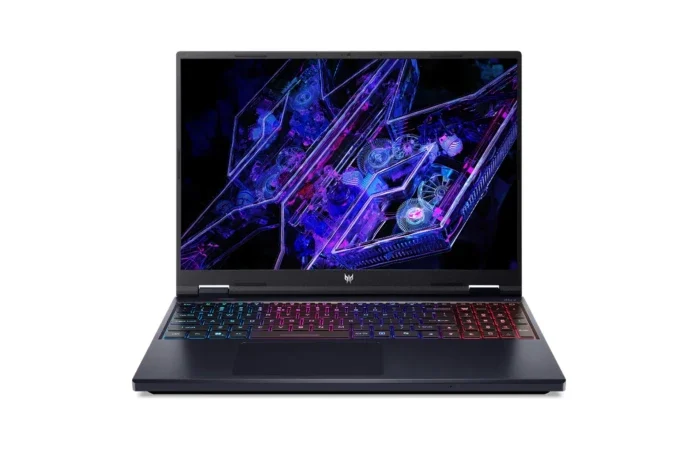
For Gamers and Creators
Focus on:
- Dedicated graphics card
- High refresh rate display
- Powerful cooling system
- Expandable RAM and storage
Laptop price in Nepal may vary depending on:
- Brand
- Specifications
- Import availability
- Currency fluctuations
Visiting a reliable laptop shop in Kathmandu allows buyers to compare models directly and receive practical recommendations.
Why Laptop Buyers in Kathmandu Trust MAXELL COMPUTER
Finding a reliable laptop shop in Putalisadak can make a big difference when purchasing or upgrading a device.
Why Customers Visit MAXELL COMPUTER Putalisadak
- Guidance for students, professionals, and gamers
- Laptop upgrade assistance
- SSD and RAM upgrade support
- Laptop repair and maintenance services
- Accessory recommendations
- Practical buying advice
- Local customer support
Whether you need a budget laptop for college or performance upgrades for work, experienced guidance helps avoid unnecessary spending.
Putalisadak is widely known as one of Kathmandu’s major technology and computer markets, making it convenient for customers searching for laptops, repairs, and accessories in Nepal.
Tips Before Visiting a Laptop Shop in Kathmandu
Before upgrading or buying a laptop, keep these points in mind:
Ask About:
- Upgrade compatibility
- Battery health
- Cooling performance
- Genuine accessories
- Service support
Compare:
- Build quality
- Display quality
- Processor generation
- Future upgrade options
Avoid:
- Extremely cheap unknown products
- Fake accessories
- Unrealistic performance claims
A trustworthy laptop shop will explain both advantages and limitations honestly.
Why Professional Diagnosis Matters
Many users try random online fixes without understanding the actual issue.
Professional diagnosis helps identify:
- Hardware failures
- Battery problems
- Thermal issues
- Storage failures
- Software conflicts
This can save time, money, and unnecessary repairs.
Instead of replacing your laptop immediately, it is often smarter to inspect the system first.
Visit MAXELL COMPUTER Putalisadak for Expert Laptop Support
If your old laptop running slow is affecting productivity, studies, or entertainment, professional help can make a major difference.
Whether you need:
- Laptop upgrades
- SSD installation
- RAM expansion
- Laptop repair
- Maintenance cleaning
- Buying advice
- Accessories
MAXELL COMPUTER Putalisadak can help you explore practical and budget-friendly solutions.
As a trusted laptop shop in Kathmandu, the goal is to help customers choose the right option based on real needs rather than unnecessary upgrades.
Frequently Asked Questions (FAQs)
1. Why is my old laptop running slow suddenly?
Your laptop may slow down due to low storage, overheating, outdated hardware, malware, or too many background applications.
2. Is upgrading SSD better than adding RAM?
Both upgrades help, but SSD upgrades usually provide the biggest improvement in overall speed and boot performance.
3. How often should laptops be cleaned internally?
For regular users in Kathmandu, internal cleaning every 6–12 months is generally recommended, especially in dusty environments.
4. Is it worth repairing an old laptop in Nepal?
It depends on the laptop’s condition, repair cost, and intended use. In many cases, upgrades can extend usability significantly.
5. Where can I get laptop upgrades in Putalisadak?
You can visit MAXELL COMPUTER Putalisadak for laptop upgrades, maintenance, accessories, and buying guidance.
Conclusion
If your old laptop running slow is becoming frustrating, there are several effective ways to improve performance before buying a replacement. Upgrading to an SSD, increasing RAM, cleaning the system, and optimizing software can often bring older laptops back to life.
For laptop users searching for a reliable laptop shop in Putalisadak or a trusted laptop shop in Kathmandu, MAXELL COMPUTER Putalisadak offers practical support, upgrade assistance, repair services, and helpful buying guidance tailored to customer needs in Nepal.
Whether you are a student, office worker, gamer, or business user, making informed upgrade decisions can save money and improve your overall computing experience.
Last updated July 17, 2026 · 7 min read